
vscode-as-mcp-server
This extension turns VSCode into an MCP server, enabling advanced coding assistance from LLMs. Users can review proposed code changes, receive real-time diagnostic messages, and execute terminal commands. It also supports URL previews and allows easy switching between multiple VSCode instances. This tool enhances the coding workflow significantly.
GitHub Stars
84
User Rating
Not Rated
Forks
18
Issues
8
Views
0
Favorites
0
VSCode as MCP Server
A VSCode extension that turns your VSCode into an MCP server, enabling advanced coding assistance from MCP clients like Claude Desktop.
Key Features
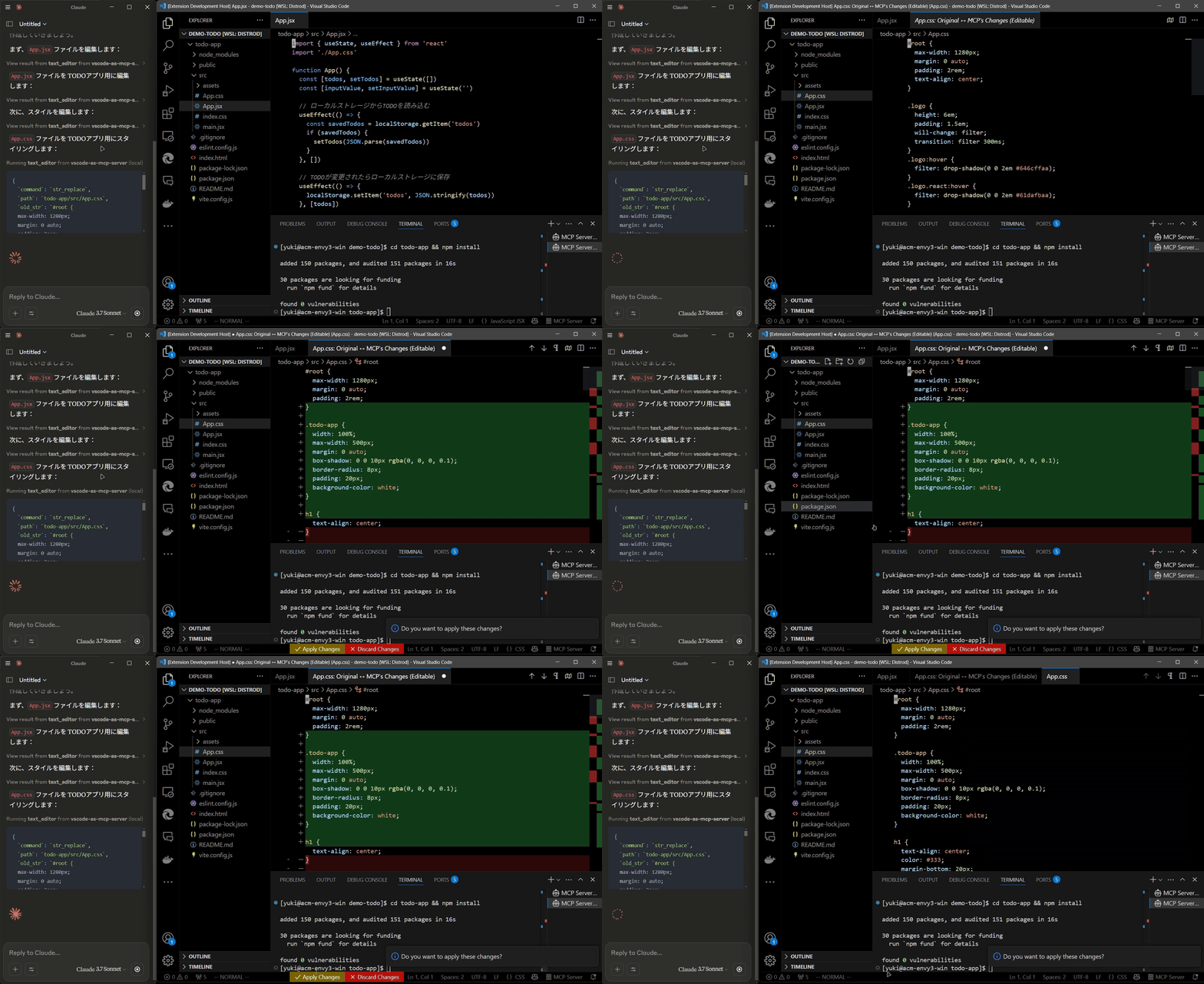
Code Editing Support
- Review proposed code changes from an LLM through diffs, allowing you to accept, reject, or provide feedback.
- Real-time diagnostic messages (e.g., type errors) sent instantly to the LLM for immediate corrections.
Terminal Operations
- Execute commands within VSCode’s integrated terminal (supports background/foreground execution, and timeout settings).
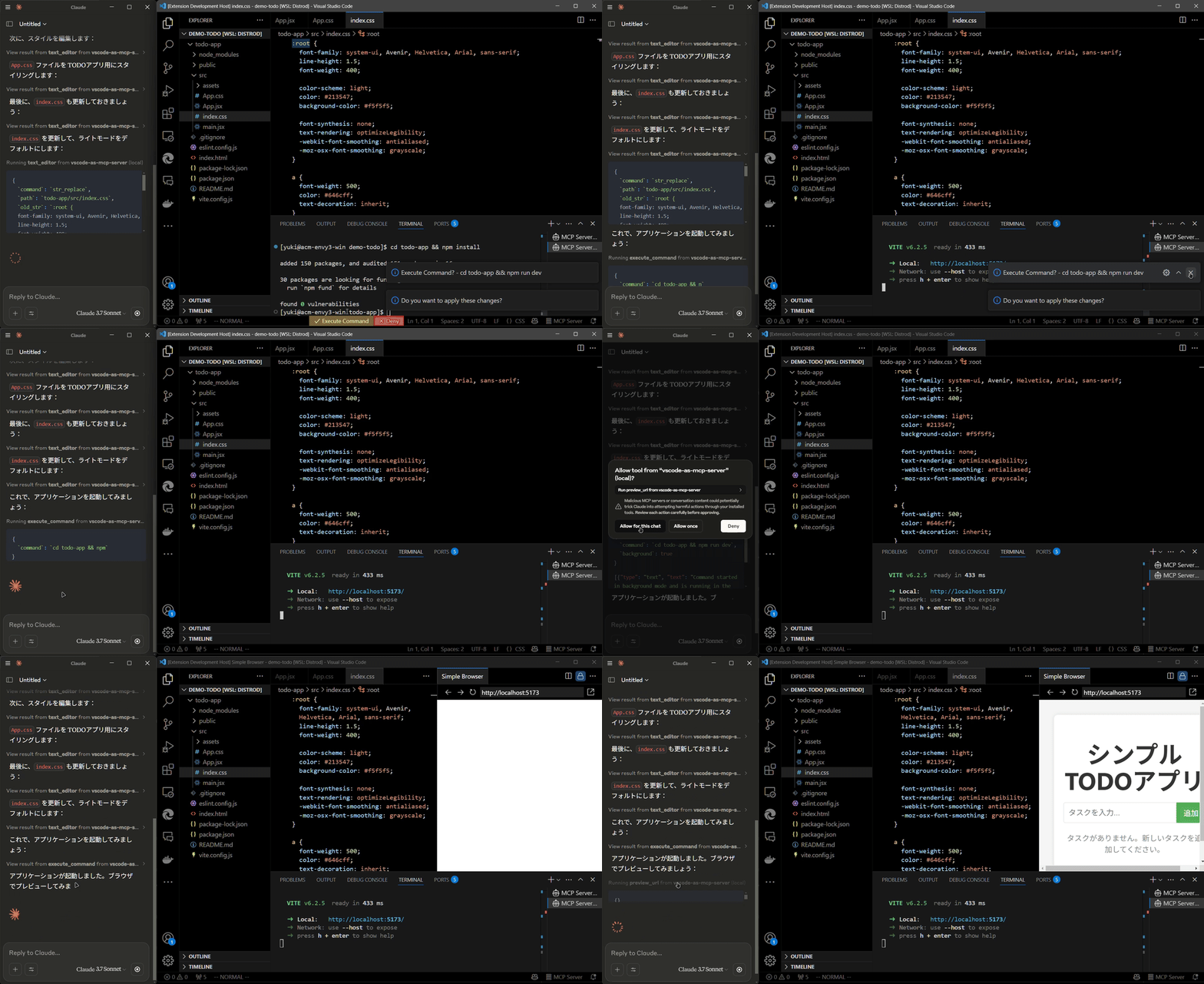
Preview Tools
- Preview URLs directly within VSCode’s built-in browser (e.g., automatically opens browser preview after starting a Vite server).
Multi-instance Switching
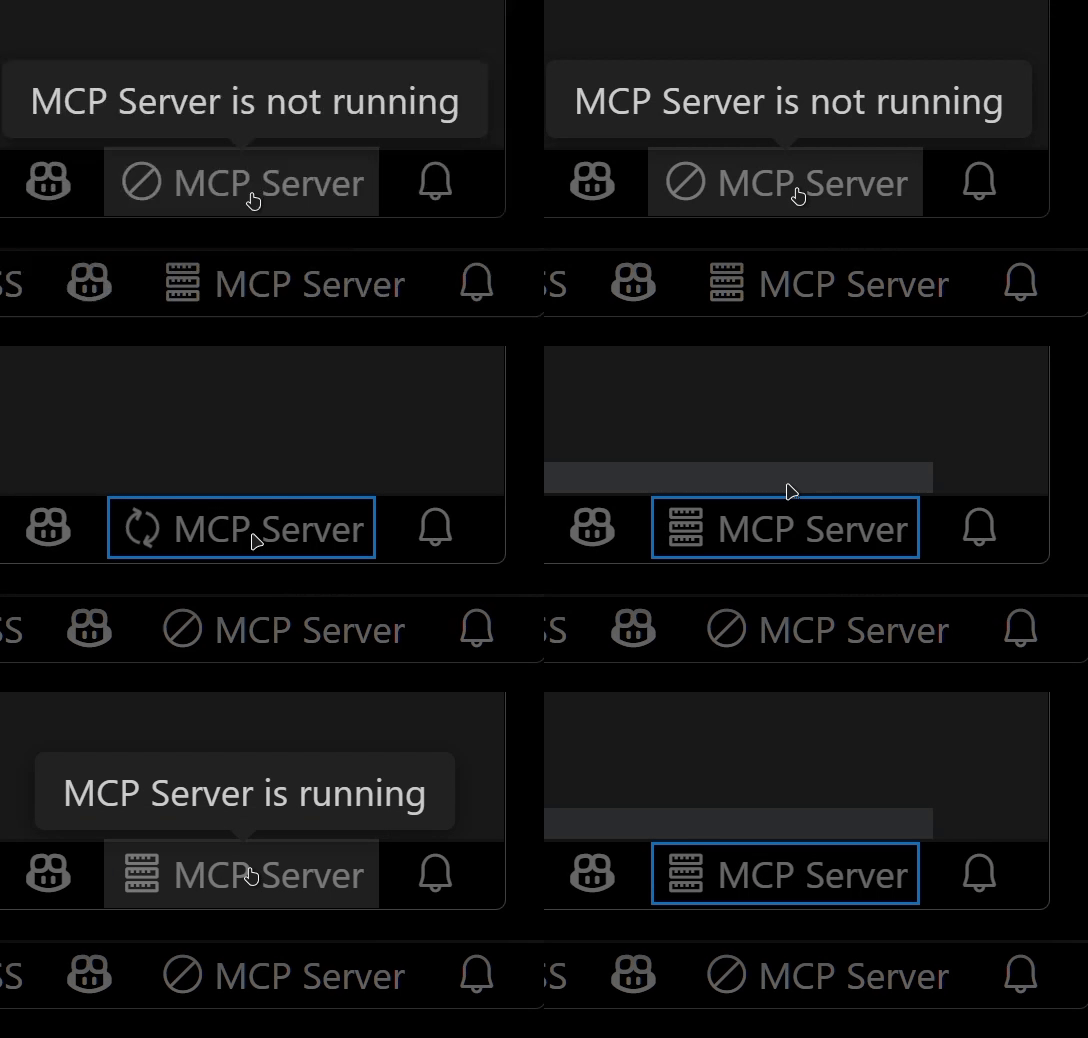
- Easily switch the MCP server between multiple open VSCode windows.(Just by clicking the status bar item)
Relay Functionality (Experimental)
- Relay and expose built-in MCP servers introduced in VSCode 1.99 externally.
- Allows external access to tools provided by other MCP extensions, such as GitHub Copilot.
Available Built-in Tools
- execute_command: Execute commands in VSCode’s integrated terminal
- code_checker: Retrieve current diagnostics for your code
- focus_editor: Focus specific locations within files
- list_debug_sessions / start_debug_session / restart_debug_session / stop_debug_session: Manage debug sessions
- text_editor: File operations (view, replace, create, insert, undo)
- list_directory: List directory contents in a tree format
- get_terminal_output: Fetch output from a specified terminal
- list_vscode_commands / execute_vscode_command: List and execute arbitrary VSCode commands
- preview_url: Open URLs within VSCode’s integrated browser
Installation & Setup
Install the extension from the VSCode Marketplace.
Configure your MCP client:
- Using mcp-installer: You can simply instruct it to "install the vscode-as-mcp-server MCP server".
- Other clients like Claude Desktop: Add the following to your configuration file (
claude_desktop_config.json):
{
  "mcpServers": {
    "vscode": {
      "command": "npx",
      "args": ["vscode-as-mcp-server"]
    }
  }
}
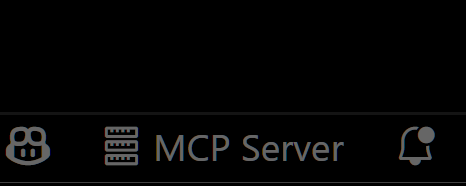
Check the MCP server status in the bottom-right VSCode status bar:
- (Server icon): Server is running
- ∅: Click to start the server
Motivation
This extension was developed to mitigate high costs associated with metered coding tools (like Roo Code and Cursor). It's an affordable, self-hosted alternative built directly into VSCode.
Bug reports and feedback are very welcome! 🙇
Future Roadmap
- Ability to select which built-in MCP servers to expose
- WebView-based approval UI (similar to Roo Code)
- Integration with VSCode's file history (Timeline)
- Instant toggling of auto-approvals and tool activation/deactivation
- Customizable server port configuration